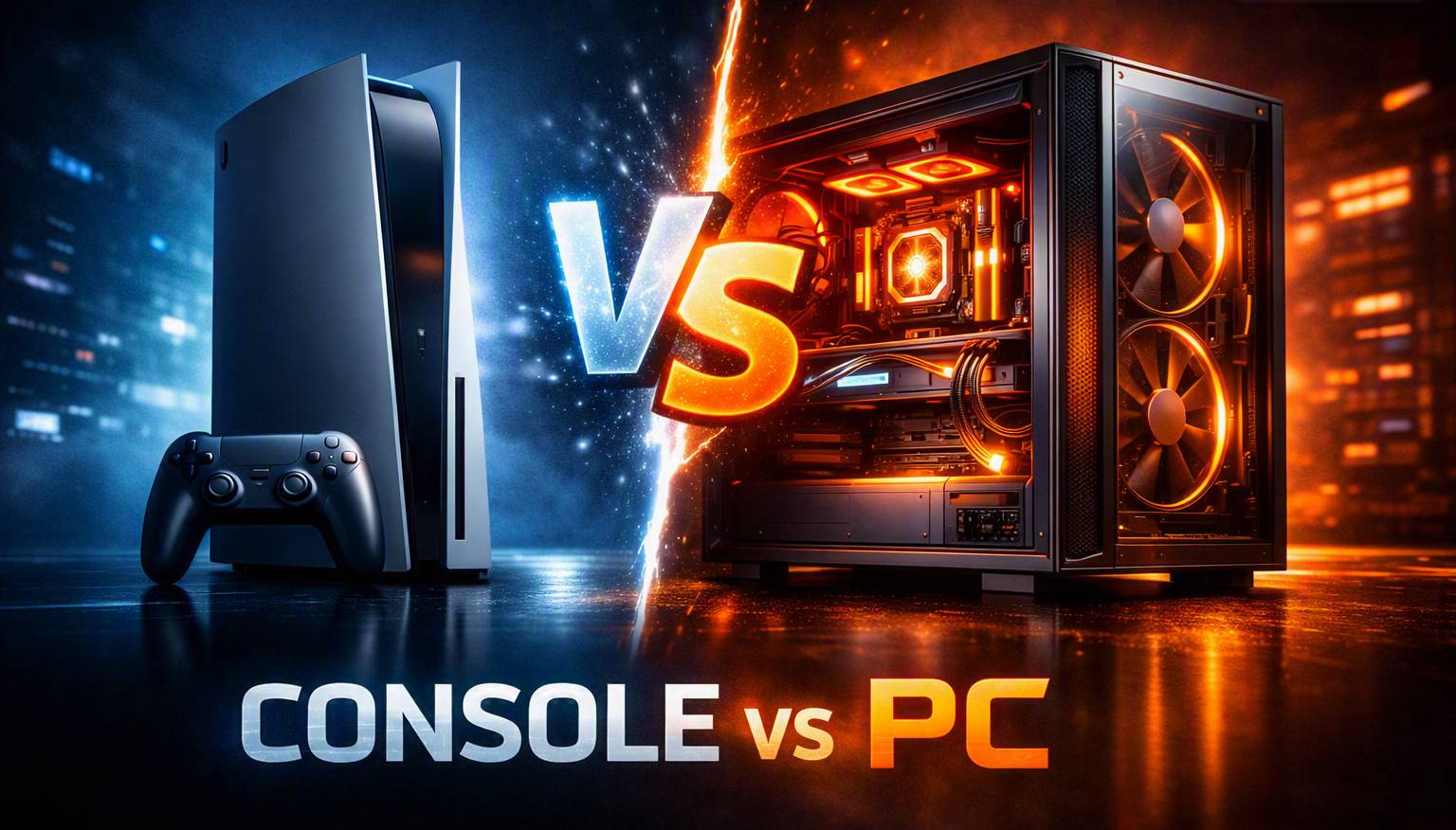
"What would a PC that matches my PS5 or Xbox cost?" is one of the most common questions in PC building. Search for it and you'll find build guides with a parts list at the bottom, which is a reasonable way to answer it once. The problem is what happens next. GPU prices move every few weeks, parts sell out, new cards launch, and nobody goes back to update the article. The list still looks authoritative six months later, but it's quietly wrong.
RigSync answers the question by computing it instead. You pick a console, and it optimizes a complete build around that target and your budget, then computes that the build actually works: physical and electrical compatibility, power, and PCIe lane topology. Because the answer is calculated rather than published, it reflects what parts cost and what's in stock today.
As of writing, a PS5-equivalent build came back at around $1,100, with the graphics card taking roughly a third of that and the rest going into a complete machine: processor, memory, motherboard, storage, power supply, cooling, and case. Run the same thing today and the parts may well differ. That's the point, and it's the part a published list can't do.
Where to find it
Console presets live in the Custom Builder. Choose Gaming as your primary use case and a Beat your console panel appears with three targets. Leave it on Full options and the builder works exactly as it always has. The presets add a path, they don't replace one.
Three targets are available today, and each one has its own link that opens the builder straight onto it:
Why PS5 and Series X share one target
The Series X leads on paper, with 12.15 TFLOPS against the PS5's 10.28. In actual games that gap mostly disappears. The PS5's higher clocks and uniform memory bandwidth close it, and across the generation the two have traded wins title by title rather than one pulling ahead.
Two consoles that play the same games at much the same level don't need two different answers, so they share one target. Splitting them would produce two builds you couldn't tell apart.
How the equivalence is computed
Every graphics card in the catalog carries a gaming score built from measured benchmark results, drawn from more than one benchmark suite so no single source decides the ranking. Each console preset is a range on that score, and the builder picks only from cards inside it.
The range is maintained as scores are refreshed and new hardware arrives, so it keeps pointing at the same class of card rather than slowly going stale.
Both ends matter. Without an upper limit, a PS5-equivalent build on a large budget would simply return the most expensive card that fits, which tells you nothing about a PS5.
What comes back
Pick a target and a budget and you get a complete machine: processor, graphics card, memory, motherboard, storage, power supply, cooling, and case, all checked to work together.
The graphics card lands inside the console's range. Everything else is sized around it. Raise your budget within the same target and the graphics card mostly stays where it is, because the range holds it there, and the extra goes into the processor, memory, and storage instead. That's the opposite of how budget usually behaves in a build, and it's deliberate. The console sets the graphics tier; your money improves everything around it.
You can see it in the numbers. As of writing, the PS5 / Series X target came back at roughly $1,100 on the lower budget tier and $1,500 on the higher one, with the graphics card moving very little between them. A PS5 Pro build on its higher tier landed near $2,200. Those are the prices on the day they were run, not a fixed answer.
What the preset decides for you
A console has already answered most of the configuration questions, so the preset answers them too. Pick a target and these are set for you, with a summary shown under the tiles so nothing is hidden:
- Target resolution. 1080p for Switch 2, 1440p for PS5 / Series X, 1440p / 4K for PS5 Pro
- Performance goal. The console's tier already sets the graphics card, so this would work against it
- Build size and noise tolerance. Standard defaults
- Memory type. Chosen automatically for the platform
You still pick your budget and your CPU and GPU brand. Two budget tiers are offered per console rather than the full range, because past that point you've stopped building a console equivalent and started building something well beyond it.
The honest part: it costs more
A console-equivalent PC runs to roughly twice the price of the console. That gap is real and it isn't going away.
It's worth understanding where that gap comes from, because it isn't that console hardware is somehow cheaper to make than PC hardware. A console is a PC, built to one specification and tuned for one job. What differs is how it's sold.
A console is a single configuration produced millions of times over, using custom parts bought at a volume no retail part comes close to, and it's sold at or very near what it costs to make. The manufacturer earns it back afterwards through game sales, a cut of every purchase on their store, and online subscriptions. A PC is assembled from retail components, each carrying a margin on its way to you, so you pay the real price of the hardware at the counter.
Here's what the extra money gets you:
- Every game, not one platform's library. PC has decades of back catalogue, plus most console titles once they arrive there.
- Cheaper games. You're not tied to one store, so the same title is often less on PC, and sales are deeper.
- No subscription to play online. That's roughly $70 a year you're not spending.
- Max settings, the way the game was meant to look. Consoles hit their frame rate target by running reduced settings with dynamic resolution and upscaling. An equivalent PC runs higher settings and still tends to come out ahead, because the range it builds to is set to match or beat the console rather than tie with it.
- Room to breathe. A console is a small sealed box tuned to stay quiet, so its cooling sets a hard limit on how hard the hardware can work. A desktop graphics card has its own cooler and the airflow of a full case around it, and can hold higher clocks for longer as a result.
- You can upgrade it. In a few years you can replace the graphics card and keep the rest, rather than buying a whole new machine and starting over.
- It's still a computer. Work, study, editing, streaming, and everything else you'd otherwise buy a second machine for.
So which one should you buy?
It depends on what you want the machine to do.
A console is the better buy if you want to play and nothing else. It's cheaper up front, there's nothing to configure, and every game is built and tested against exactly your hardware.
A PC makes more sense when the machine has more than one job, when you want control over how a game looks and runs, or when the running costs matter more than the sticker price. Cheaper games and no subscription for online play close part of the gap over the years you own it.
Put simply: a console is the cheaper way to play games, and a PC is the cheaper way to play games and do everything else.
What still gets computed
The preset narrows the graphics card. Everything else runs through the same engine as any other build:
- Compatibility. Sockets, memory type, power delivery, and physical clearance
- PCIe topology. Which slot each card lands in, the bandwidth it gets, and which slots a wide card blocks, shown in the interactive visualizer
- Live pricing and stock. Parts that can't be bought don't enter the build
- Use-case scoring. The gaming score is one of six. The same catalog carries separate answers for AI, rendering, video, CAD, and scientific work
What you control
- Console target (Switch 2, PS5 / Xbox Series X, PS5 Pro) or Full options
- Budget tier
- CPU and GPU brand
What's coming next
This is the first version of console targets in the optimizer, and it's in constant improvement. More consoles are on the list, and the way each target is tuned will keep being refined as the catalog grows and hardware changes.
What gets built next depends a lot on what people actually ask for. If a console you care about is missing, if a build comes back looking off to you, or if there's something you'd want the presets to do differently, that feedback goes straight into what gets worked on. Feature requests are just as welcome as bug reports.
More coming soon.
Ready to try one?
Pick the console you're comparing against, set a budget, and see what it takes to beat it today, at today's prices, with parts that are actually in stock.
Beat a Switch 2 → · Beat a PS5 or Xbox Series X → · Beat a PS5 Pro →
Or start from the Custom Builder and pick a target there.
Comments (0)
No comments yet. Be the first to share your thoughts!