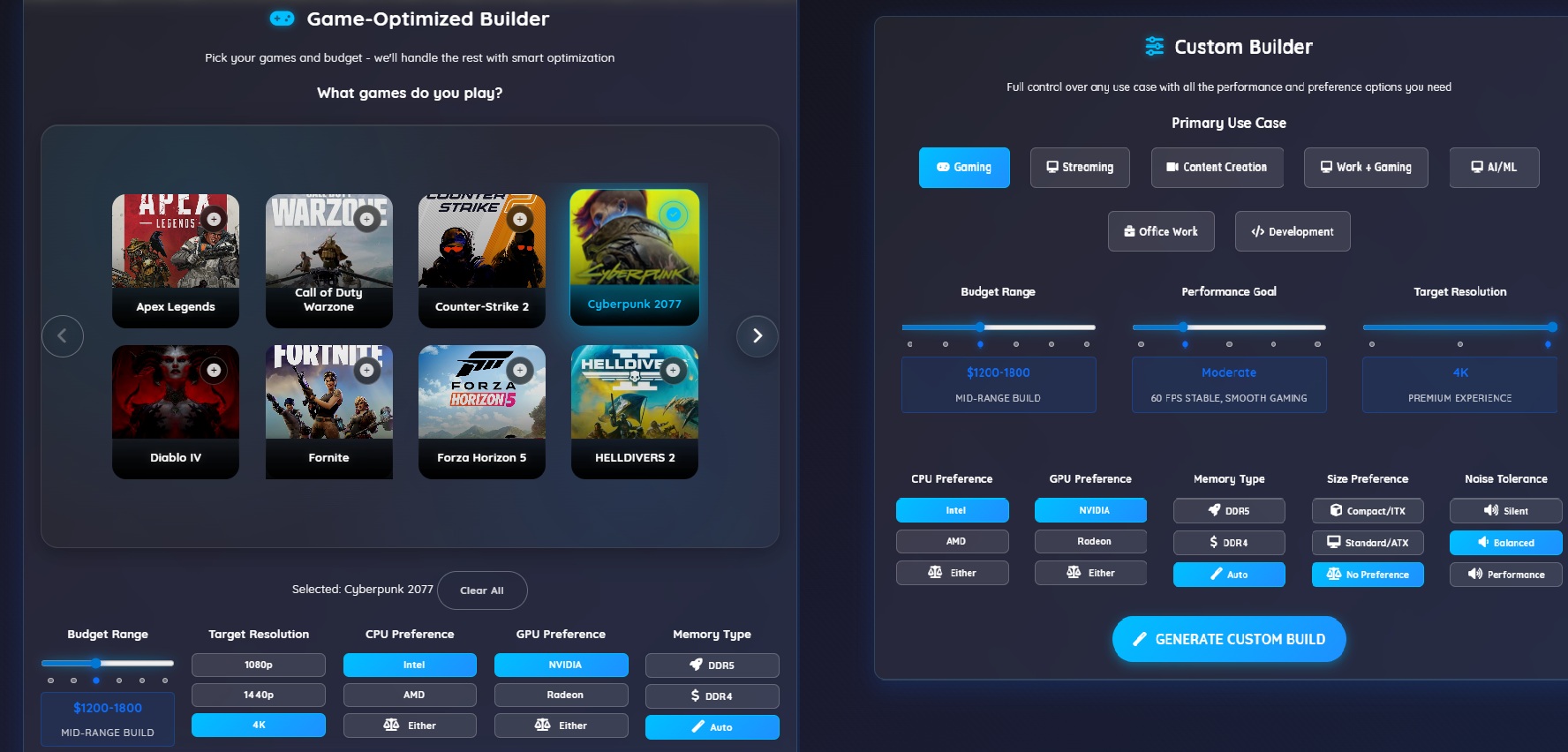
What's New on RigSync:April 2026 Part 2 - Understanding Performance Goals and Size Preferences
What the Performance slider and Compact Size option actually mean for your build
Expert insights, reviews, and guides for PC enthusiasts

What the Performance slider and Compact Size option actually mean for your build

Learn to perform a Windows clean boot to determine if your PC problems are caused by faulty hardware or software conflicts - the essential first step in troubleshooting.

Step-by-step guide to diagnose GPU crashes, artifacts, detection problems, and performance issues. Includes stress testing, driver fixes, and hardware checks.

Behind-the-scenes improvements to RigSync's component scoring and performance prediction system ensure more accurate build recommendations across gaming, content creation, and professional workloads.

Mini PCs are everywhere in 2026, but are they actually worth it? Here's the honest breakdown of when a tiny computer makes sense versus just building a normal desktop.

DDR5 memory is expensive and barely faster for gaming. Here's why we added DDR4 vs DDR5 selection to our builders and how it can save you $100+ for better components.

A detailed look at the three different ways to use RigSync and the technology that powers intelligent PC recommendations.

Confused about which RigSync builder to choose? Here's the honest breakdown of when to use Game-Based Builder versus Custom Builder, based on how you actually think about PC building.

Stop overthinking thermal paste application. Here's the straightforward guide to getting it right the first time, without the usual internet drama about pea-sized dots versus rice grains.

Meet RigSync, an innovative platform that simplifies PC building with AI-powered recommendations and unbiased component analysis for gamers, professionals, and everyone in between.