
Why We Added Memory Type Selection (And Why It Matters Right Now)
I wasn't planning to add memory type selection to RigSync's builders. The whole point is to simplify PC building, not add more decisions. But then I looked at current DDR5 prices and realized I'd be doing users a disservice by not giving them this choice.
Here's why this seemingly minor addition can save you serious money on your next build.
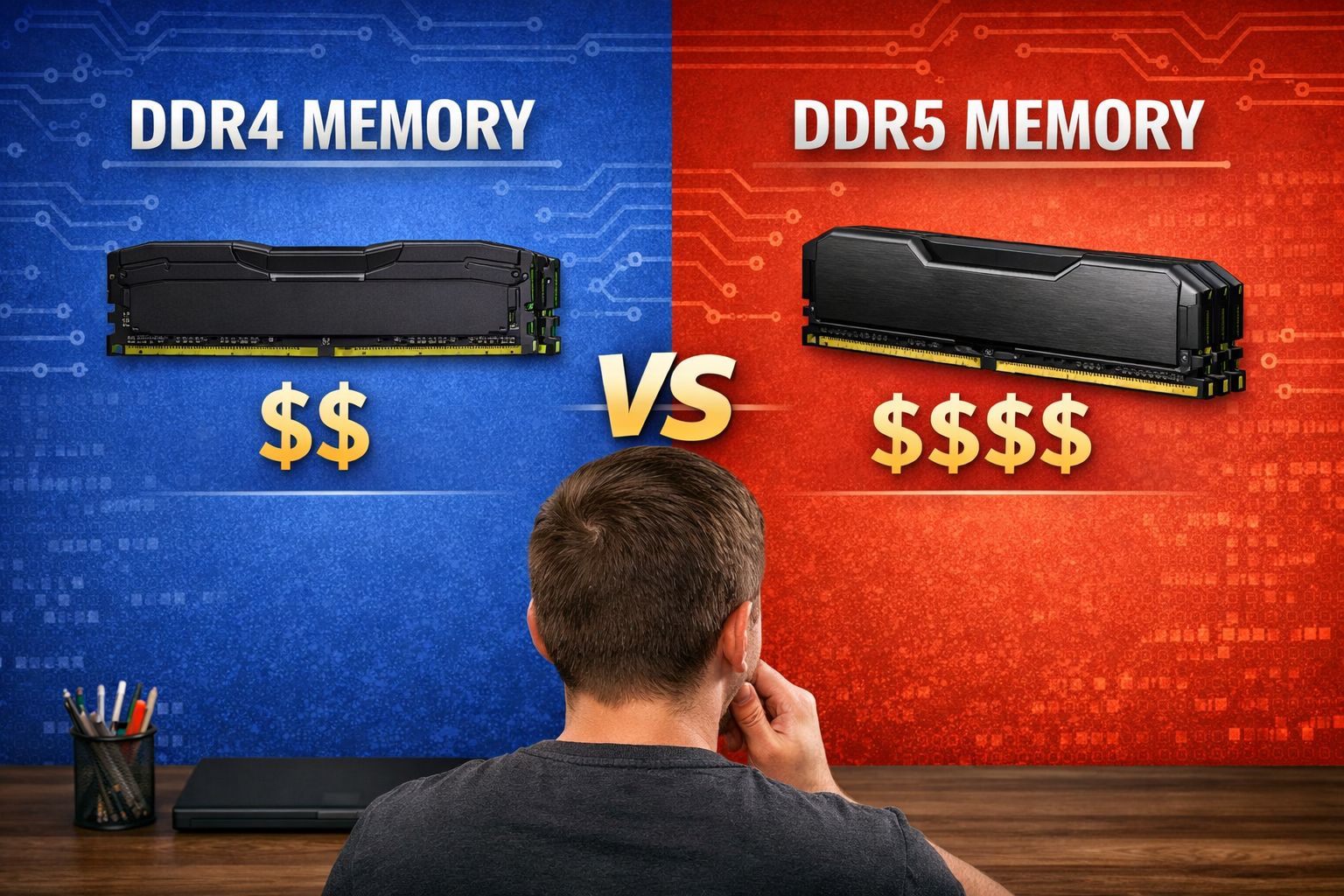
The DDR5 Reality Check
DDR5 memory is supposed to be the future. Higher bandwidth, better efficiency, more capacity potential. In theory, it's better than DDR4 in every way.
In practice? You're paying a massive premium for benefits you won't notice in games.
Current price difference: DDR5 costs $80-150 more than equivalent DDR4 kits. That's not a small gap.
Gaming performance difference: 2-5% in most titles. Some games show zero difference.
The math doesn't work: That $120 you save choosing DDR4? That's the difference between an RTX 4060 and RTX 4060 Ti. Or a Ryzen 5 7600 and a Ryzen 7 7700X. Components that will actually impact your gaming experience.
When The Choice Matters Most
Budget builds ($800-1200): DDR4 is almost always the smart choice. Every dollar counts, and that memory savings can bump you up an entire GPU tier.
Mid-range builds ($1200-1800): This is where the "Auto" option shines. Sometimes DDR4 makes sense for budget allocation. Sometimes DDR5 is worth it for future-proofing.
High-end builds ($2500+): DDR5 starts making sense when budget isn't constraining other components.
The key insight: memory speed rarely bottlenecks gaming performance. Your GPU and CPU matter way more.
Why We Added It To Game-Based Builder
Game-Based Builder is supposed to be simple - pick games, get optimized build. Adding another choice seems counterproductive.
But here's the thing: this choice has real impact on your build quality. Blindly recommending DDR5 because it's "newer" would result in worse gaming PCs for most budgets.
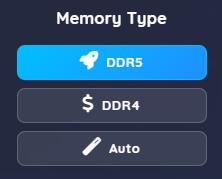
The "Auto" option: Don't want to think about it? Choose Auto. The system will pick DDR4 or DDR5 based on your budget and use case for optimal performance per dollar.
The choice options: Want control? DDR4 saves money for other components. DDR5 future-proofs your system. Both are clearly labeled with their benefits.
This Is Temporary (Probably)
I expect to remove this choice from Game-Based Builder eventually. When DDR5 prices normalize and platform support shifts heavily toward DDR5, the choice becomes obvious again.
Custom Builder will keep it permanently - power users should always have this level of control.
Game-Based Builder will simplify once the market settles and there's a clear "right" answer for most builds.
Right now, there isn't a clear right answer. It depends on your budget, priorities, and how long you plan to keep the system.
The Bigger Picture
Adding this choice reflects a core RigSync principle: recommendations should be based on current market reality, not theoretical specifications.
DDR5 will be better eventually. Wider adoption will bring prices down and software will better utilize the higher bandwidth. But we're not building PCs in "eventually" - we're building them now, with current prices and current games.
Market-aware optimization means acknowledging when the newest tech isn't the best value. Sometimes the "older" option is the smarter choice for your actual use case and budget.
My Recommendation
Choose DDR4 if: You're budget-conscious and primarily gaming. Put the savings toward a better GPU.
Choose DDR5 if: You have budget headroom and want maximum future-proofing. You do memory-intensive work beyond gaming.
Choose Auto if: You want the system to optimize this decision based on your total budget and component priorities.
The beauty of this approach? You can't really go wrong. DDR4 gets you better gaming performance per dollar today. DDR5 positions you better for future upgrades. Auto balances both considerations.
Building a gaming PC and want help optimizing every dollar? Try RigSync's Game-Based Builder - it'll handle the technical decisions so you can focus on the games you want to play.
Need more control over memory and other preferences? The Custom Builder gives you detailed options for every aspect of your build.
Comments (0)
No comments yet. Be the first to share your thoughts!