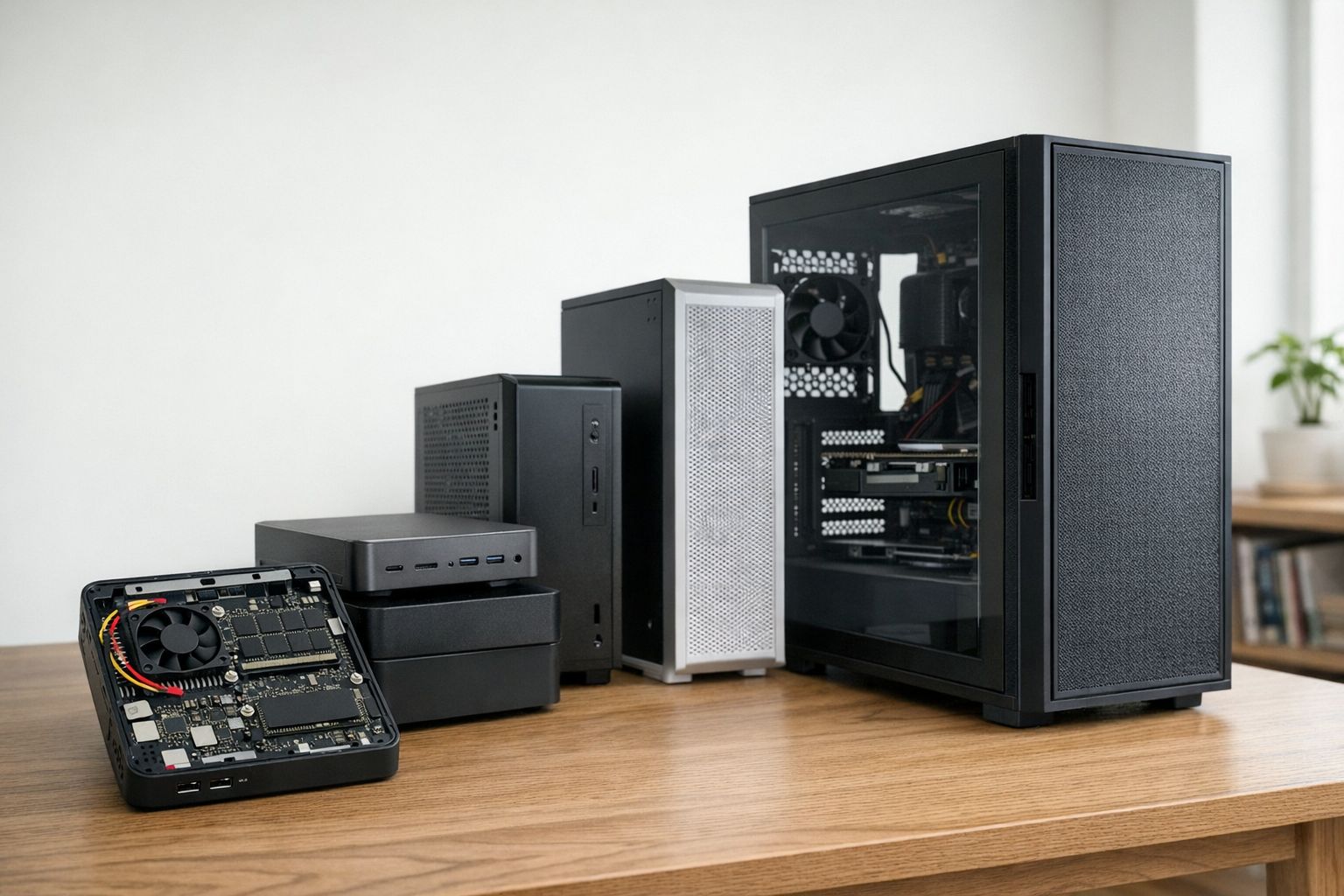
Mini PCs vs Desktop Towers in 2026: Who Should Actually Buy One?
I've been seeing mini PCs everywhere lately. YouTube is full of videos claiming these tiny boxes are "desktop killers" and "the only PC you need." Let me save you some time: they're not, and here's why that's okay.
Mini PCs have their place. So do normal desktop towers. The question isn't "which is better" - it's "which one actually fits what you need?"
Gaming Performance: Not Even Close
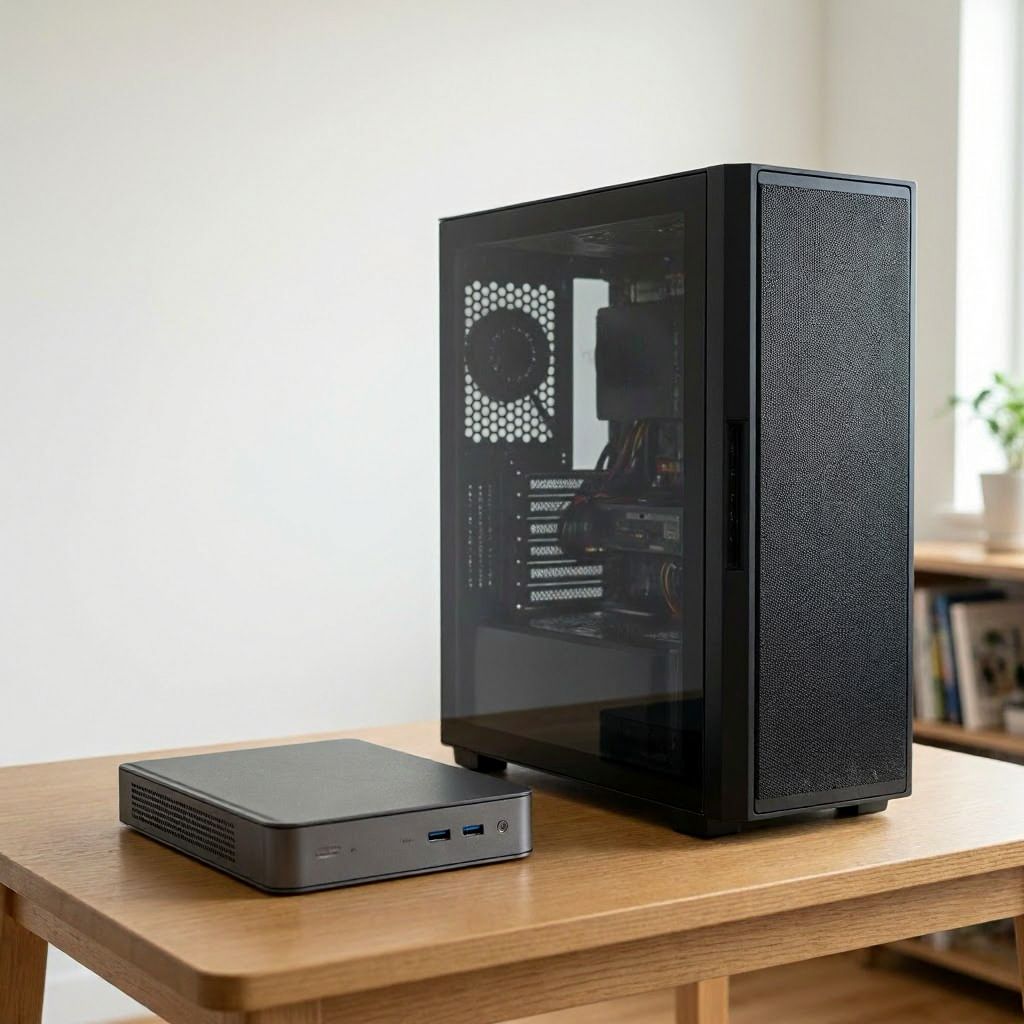
Let's get this out of the way first. If you want to game at 1440p or 4K with high settings, buy a desktop tower. Mini PCs can't compete with discrete GPUs.
Mini PC reality: Most use integrated graphics (AMD Ryzen APUs or Intel Arc). You'll get 60 FPS in esports titles at 1080p. That's it. Newer titles at medium settings? Maybe 30-45 FPS.
Desktop tower: Slap in an RTX 4060 Ti or RX 7700 XT and you're gaming at 1440p high settings. Upgradeable to next-gen GPUs when you want more performance.
The exception: Some mini PCs accept low-profile GPUs. But at that point, why not just build a proper small form factor desktop?
Thermals: Physics Still Exists
Here's the thing about cramming components into a tiny box - heat has nowhere to go.
Mini PCs thermal throttle under sustained load. I've tested several that claim "whisper quiet" operation. They are quiet... until you actually use them for anything demanding. It will depend on the thermal design and cooling solution of the specific mini PC.
Desktop towers have actual airflow. Multiple 120mm or 140mm fans moving air at low RPM. Your CPU stays cool without sounding like it's preparing for takeoff.
When mini PC thermals work: Light workloads. Web browsing, office work, media streaming. The CPU barely breaks a sweat.
When they don't: Video editing, compiling code, gaming sessions over 30 minutes. Expect thermal throttling and some fan noise.
Upgradability: The Real Dealbreaker
This is where mini PCs completely fall apart for most people.
What you can upgrade in a mini PC:
- RAM (maybe, if it's not soldered)
- Storage (usually one M.2 slot)
- Nothing else
What you can upgrade in a desktop tower:
- GPU
- CPU
- RAM
- Storage (multiple drives)
- Cooling
- Power supply
- Literally everything
I built my desktop in 2022. Since then I've upgraded the GPU once and added more storage twice. Total cost to stay current: ~$400. A mini PC user would need to buy a completely new system, but it depends on your needs. If you only need a PC for light tasks and don't care about gaming or future-proofing, a mini PC might be fine. But if you want to game, create content, or just have the option to upgrade down the line, a desktop tower is the way to go.
Noise: Depends on Workload
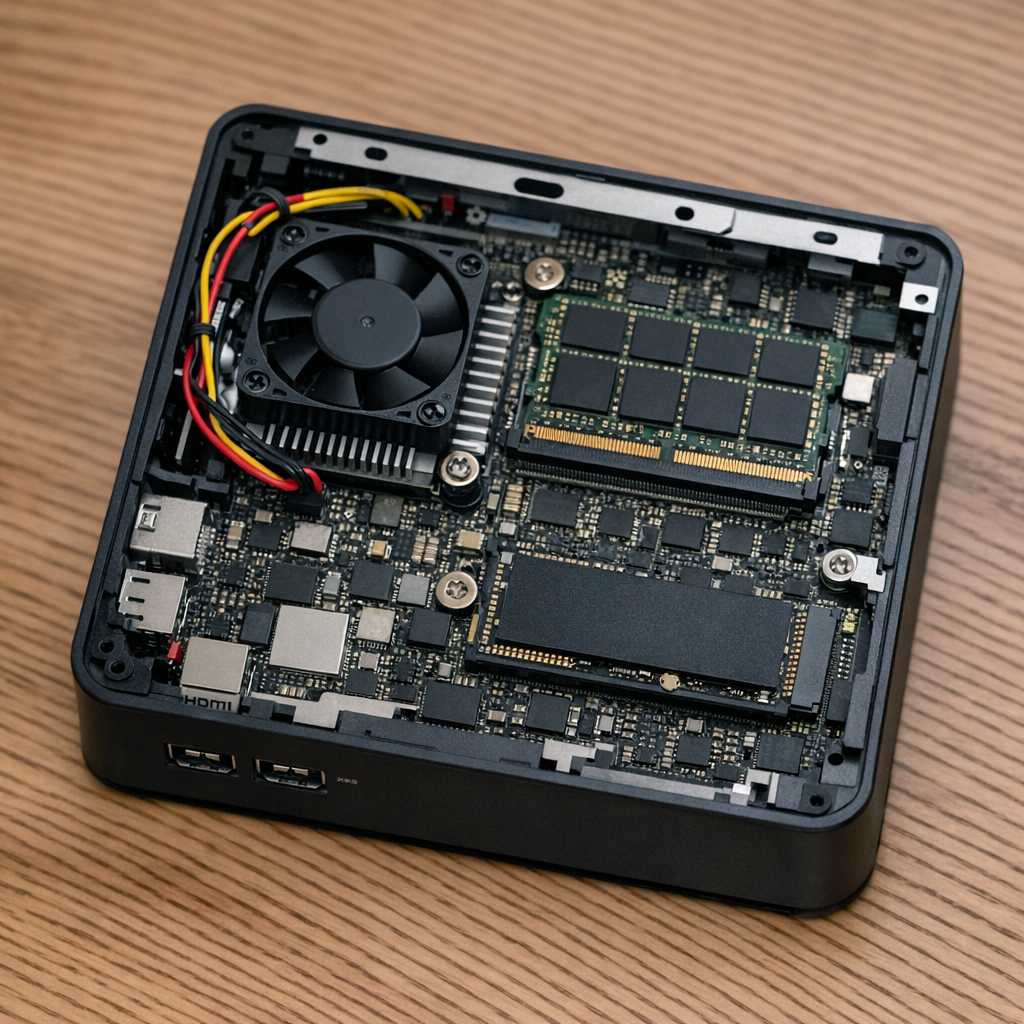
Under light use, mini PCs are nearly silent. The small fan barely spins.
Under heavy use? That same small fan has to work overtime. It can get loud. For desktops, it depends on the cooling solution and fan configuration, but they generally stay quieter under load when well configured.
Price-to-Performance: Desktop Wins
A decent mini PC costs $400-800. For that price, you get:
- Integrated graphics
- 16GB RAM (maybe)
- 512GB storage
- Limited upgradeability
For $600-800, you can build a desktop with:
- Discrete GPU (RTX 4060 or RX 7600)
- 16GB DDR4
- 1TB SSD
- Upgrade path for years
The mini PC costs the same or more for significantly worse gaming and multitasking performance.
Who Should Actually Buy a Mini PC
Mini PCs aren't bad - they're just specialized. Here's when they make sense:
Students: Dorm rooms are tiny. A mini PC fits on any desk and is easy to transport between home and school.
Office work: If you're doing spreadsheets, emails, and web apps, a mini PC is overkill in the good way. Quiet, efficient, takes up no space.
Media center: Hook it to your TV for streaming. It's silent, small enough to hide, and handles 4K video playback perfectly.
Emulation: Running older games and emulators doesn't need a beefy GPU. A Ryzen APU handles everything up through PS2/GameCube easily.
Light-Medium gaming: Playing League, Valorant, CS2, or indie games? Mini PC integrated graphics handle these fine at 1080p. It can also play AAA titles at low to medium settings. Some later mini PCs with Ryzen 7000 series APUs or Intel Arc integrated graphics can even handle newer games at medium settings, but don't expect high frame rates or 1440p/4K gaming.
Who Should Build a Desktop Tower
Pretty much everyone else:
- Serious gaming (1440p or 4K)
- Content creation (video editing, 3D work)
- Want future upgradability
- Need maximum performance per dollar
- Value quieter operation under load
The Bottom Line
Mini PCs solve specific problems: limited space, portability, low noise during light use. They do these things well. I owe a couple of mini PCs and they work great for what I use them for.
But they're not desktop replacements for anyone who needs real performance or wants to upgrade over time. The laws of physics and economics haven't changed - bigger boxes with better cooling and discrete GPUs still perform better for less money down the line.
My recommendation: If you're asking "should I get a mini PC or desktop," the answer is probably desktop. If you know exactly why you need a mini PC, you wouldn't be asking.
Planning a compact build but want real gaming performance? Check out RigSync's Gaming Builds - we optimize for ITX cases that give you desktop performance in a smaller package.
Need help choosing between integrated and discrete graphics for your use case? Try the Game-Based Builder to see what performance you actually need.
Comments (0)
No comments yet. Be the first to share your thoughts!