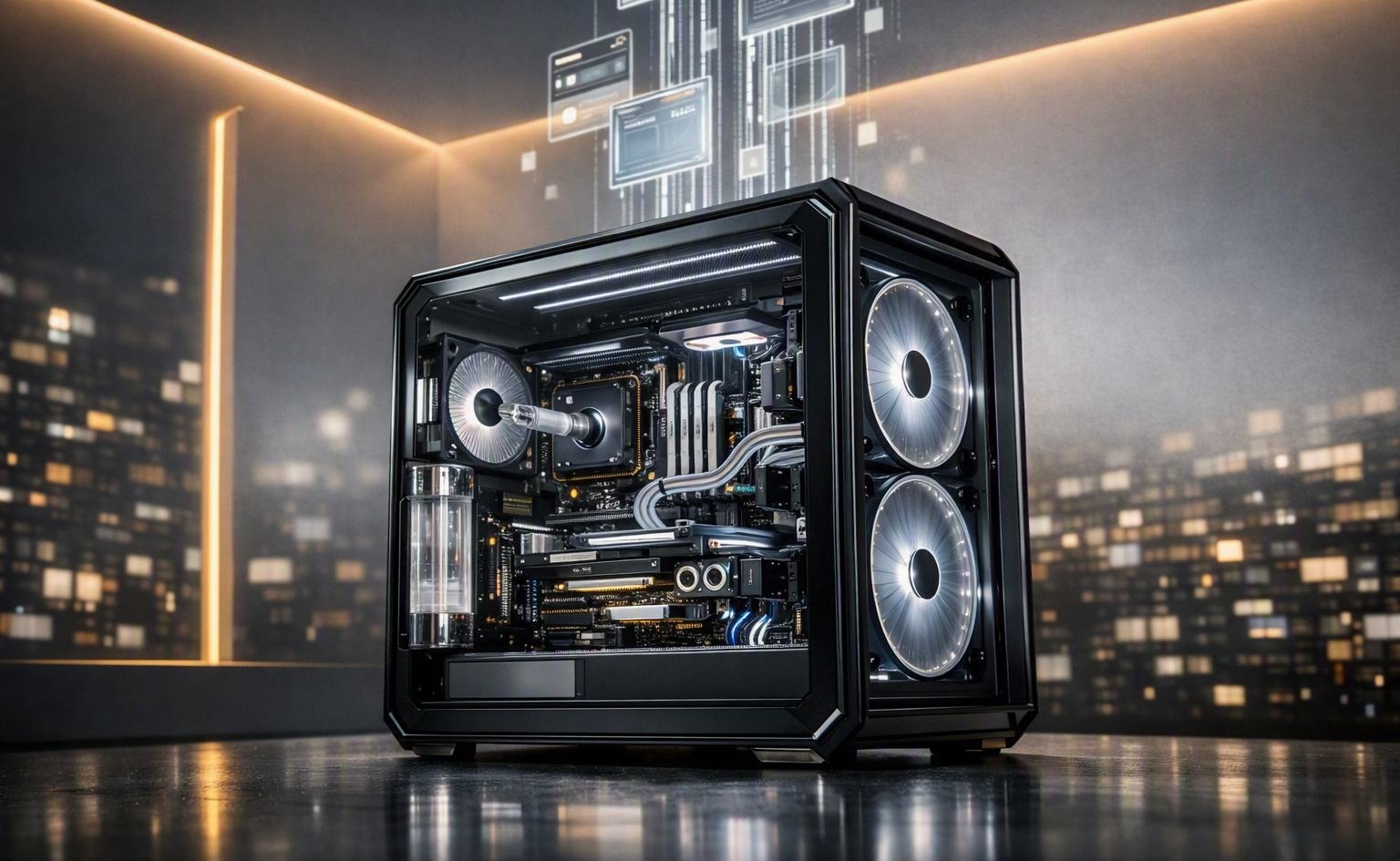
What's New on RigSync: Workstation Builds
A gaming PC and an AI training box are both "a computer with a graphics card." Almost nothing else about them is the same. The card that wins at 4K gaming can be the wrong choice for AI, and a poor one for double-precision science. Yet a GPU is usually sold as a single number — how fast it games — which leaves a workstation buyer to guess the rest.
RigSync now builds for the other side of that line. The optimizer handles six professional workloads — AI/ML, 3D rendering, video editing, CAD, scientific computing, and virtualization — and puts together a complete workstation for each, not just a parts list with an expensive GPU on top.
This update covers:
- Per-use-case GPU scoring (six workloads, not one number)
- VRAM-aware AI/ML builds that route to cards that can actually run your model
- Whole-workstation budget judgment — memory, platform, and CPU sized to the job
- Multi-GPU builds on a platform that can host them, computed and shown in the topology visualizer
One card, six different answers
A GPU isn't "good" or "bad" — it's good for something. RigSync scores every card six ways instead of once: gaming, AI/ML, rendering, video editing, CAD, and scientific. It's the same idea already behind the CPU scores, now applied per workload.
This matters because the rankings genuinely flip between jobs. A gaming flagship tops the chart for rendering and sits near the bottom for double-precision science — where an older compute card it would trounce in a game pulls ahead. A single gaming-derived number can't express that. Six can.
AI builds that know the model has to fit
For AI, VRAM isn't a nice-to-have — it's a wall. A model either fits in memory or it doesn't run at all. So the AI/ML builder asks two things up front: your model size and its precision. From those it works out how much VRAM the model actually needs, filters to the cards that can hold it — pooling memory across multiple GPUs when you ask for more than one — and then ranks what's left by real throughput.
If nothing in budget can fit the model, it doesn't quietly hand you a card that's too small. It builds the closest it can and tells you what it would take to run the model in full — a higher budget, more cards, or a lower precision. Loud, not silent.
It builds the whole workstation, not just the GPU
The GPU gets the attention, but a workstation lives or dies on the rest of the build too. RigSync sizes the whole machine to the workload.
A data-heavy science or AI box climbs toward large memory as the budget allows, because the data lives in RAM. A build that doesn't need it stays capped, so you never pay for memory the workload can't use. And when there's budget left over, the optimizer spends it on capability first — more memory capacity, the thing that lets a bigger dataset or model fit — rather than overpaying for a sliver of extra speed.
It also spends where the workload spends. On a GPU-bound job like AI or rendering, the money goes to the GPUs, with a CPU sized to feed them — not a giant processor the workload will never stretch. On a CPU-led job, it does the opposite. That's the difference between filling a cart and building like someone who knows what the machine is for.
Serious hardware, on a platform that can use it
Ask for two, three, or four GPUs and RigSync doesn't just multiply a line item. It moves you to a platform that can actually host them — the CPU, board, and PCIe lanes with the room and bandwidth that many cards need. Compatible isn't the bar: the build has to be one where the parts you're paying for actually deliver, so a premium component lands on a platform that can expose what you paid for, not one that quietly wastes it.
Then it computes what that arrangement really does. A wide card physically covers the slots beneath it. A second GPU can switch off an M.2 drive or drop a neighboring slot to a quarter of its lanes. And which slot gets cut isn't fixed — it depends on the CPU family, because different generations route their lanes differently. RigSync models all of it, down to the per-CPU-family lane behavior, for every build.
And it doesn't just tell you — it hands you the controls. The topology visualizer is the actual lane map of your board, live: which slot each card lands in, what bandwidth it gets, which slots it disabled or physically blocked. But it isn't a picture to admire — it's a tool you drive. Choose where a card goes yourself and the whole build recomputes around your choice, bumping whatever was there to the next best slot. Hit Optimize and it hands the layout back to the auto-assigner to solve from scratch. Working around a specific case or cooling layout, or just curious what a placement costs? Lay it out and watch the lanes, blocks, and bandwidth react in real time. That interactivity is the part of the answer a static parts list — or anything that can only describe the hardware — can't give you.
That's the whole idea, carried into a new tier. RigSync optimizes a complete build for your use case and budget, then computes that it actually works — physical and electrical compatibility plus PCIe lane topology, shown in that interactive visualizer. It spans gaming, content creation, and professional workstations.
Options, not homework
None of this is meant to make building harder. Speccing a workstation by hand is the hard part — knowing which card wins for your workload, how much memory your model needs, whether your platform has the lanes for four cards. RigSync carries that weight so you don't have to. You choose a use case and a budget; the extra options are there when you want them, and out of the way when you don't. You can get a complete workstation from two choices, or tune every one of them. More capable, not more complicated.
And the work didn't only serve the workstation tier. Teaching the optimizer to reason about memory walls, whole-platform budgets, and multi-card topology made the entire engine sharper — a gaming build gets the same budget judgment and the same compatibility depth for free. Building for the hardest case made it better at the easy ones too.
What's Next
More components — and that's worth a word, because it's more than a bigger shelf. Every part in RigSync is scored the moment it enters the catalog, so each new component isn't just another thing to browse. It's another candidate the optimizer can reach for. Growing the catalog doesn't only widen your options; it sharpens the builds, because there's a better-matched part to find at every budget. The engine gets better as the catalog grows.
Next up is deepening the workstation catalog — professional GPUs, workstation CPUs, and their platforms — where each addition improves the most builds.
Want to build one? Pick a workstation use case in the Custom Builder and see what it puts together.
Comments (0)
No comments yet. Be the first to share your thoughts!